


Import/Export of Data
Import and export of data in the "Point Cloud" program is performed using the buttons on the upper toolbar or the buttons available within individual operations.
Data can be imported into the program in several formats: *.las, *.laz, *.e57, *.tif, *.tiff. General text formats data are also supported (*.txt, *.csv, *.xyz, *.ascii, *.neu, *.pts).
The individual formats may differ in the data content for specific points.
When the next cloud is loaded, the program asks if we want to overwrite the source data. If we confirm, the new cloud is loaded instead of the original one. If we do not overwrite the source data, the points of the new cloud are added to the original one. In this way, multiple clouds can be stacked together.
Data export is performed in the following formats: *.las, *.e57, *.txt. The exported state is always the state after the last modification.
Data are transferred to the Stratigraphy program using either the standard Clipboard or the FineClipboard™.
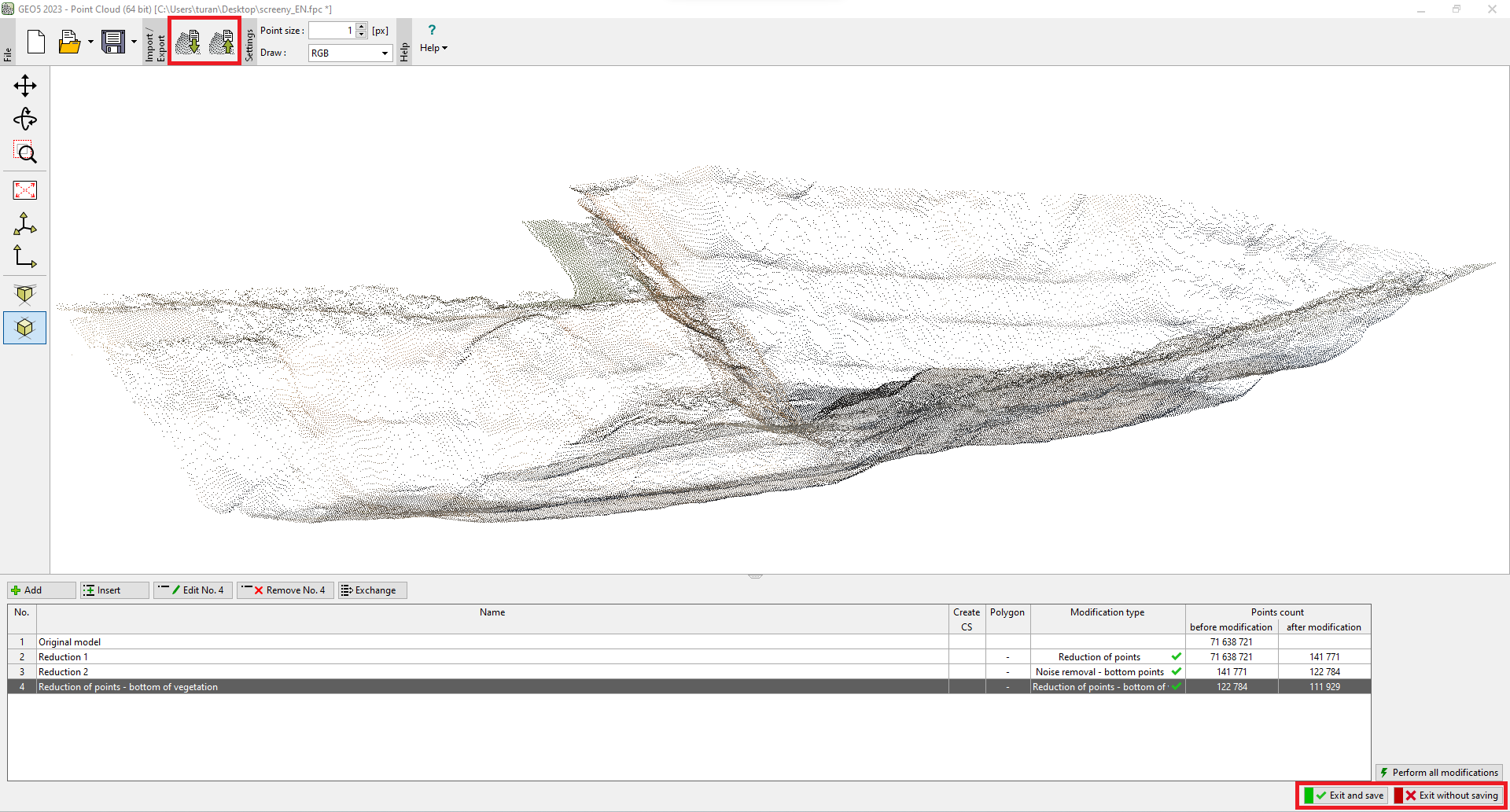 Import/export of data